 Mind Byte
How to reset your password
If you've forgotten your password, resetting it is easy. To reset your password, visit the Login Page and click the link that says "Forgot password?", or alternatively just Click Here to go directly there.
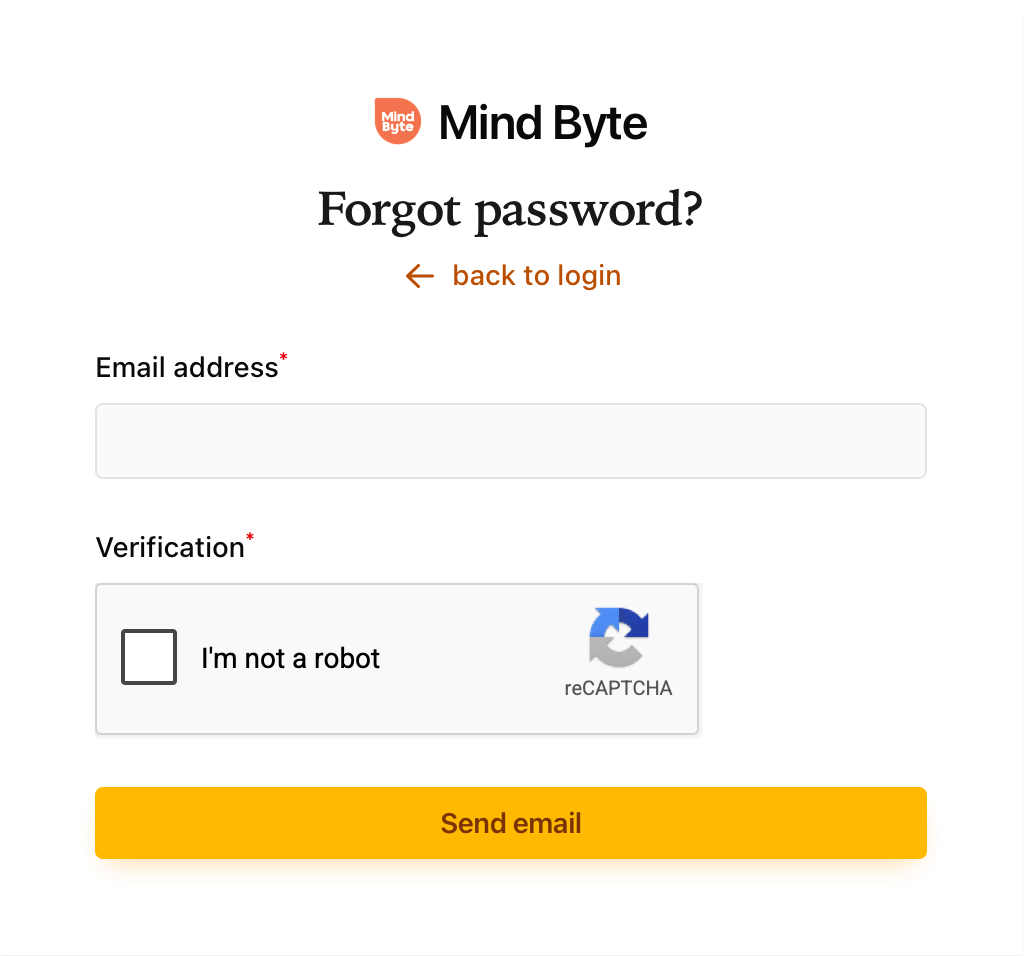
At this point, all you need to do is fill in the form with the email address for your account. If we have a record of your email address on file, an email with password reset instructions will be sent to you. If you don't receive this email, please use our Contact Form to reach out to us directly, and we'll get back to you as soon as possible.